Block library for React page builders
Cinematic web experiences, as blocks any editor can use.
Live 3D scenes, films, maps and interactive surfaces, each one a React component with plain fields. Drop it on a page, set it to the brand, and it saves like any other block.
- Blocks
- 13
- Demo sites
- 5
- Renderer
- WebGPU with WebGL2 fallback
- Editor
- Puck config included
Loading the scene…
The blocks
Open any block to try it live: change its options and watch the block and its saved data update together.
 Object studioAny piece from the FORM collection, or your own glTF / GLB model, on a seamless studio sweep. Editors pick the piece or model, a studio look (warm sweep, daylight or night) and, for lamps, the colour temperature, brightness and switch.
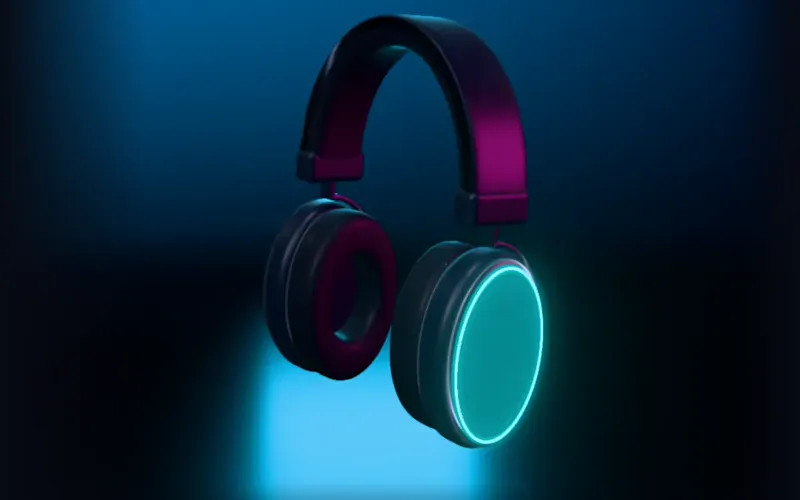 Product viewerA product configurator in the round: finish, cushions, light-ring colour and an engraving etched into the faceplate, plus an exploded view of its parts.
 Scene stopsOne live scene in one section, with as many stops as the story needs. Each stop sets the camera, the scene’s state (time of day and lamps, or angle, finish, light and teardown) and its copy. Visitors scroll through the stops while the section stays pinned, click between them, or let them play.
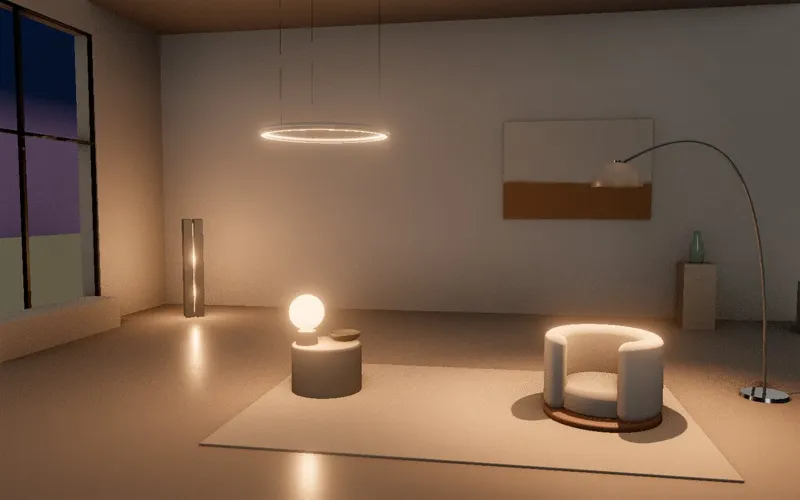 Gallery roomA furnished room lit in real time from late afternoon to dusk. The lamps switch on one by one as the daylight fades.
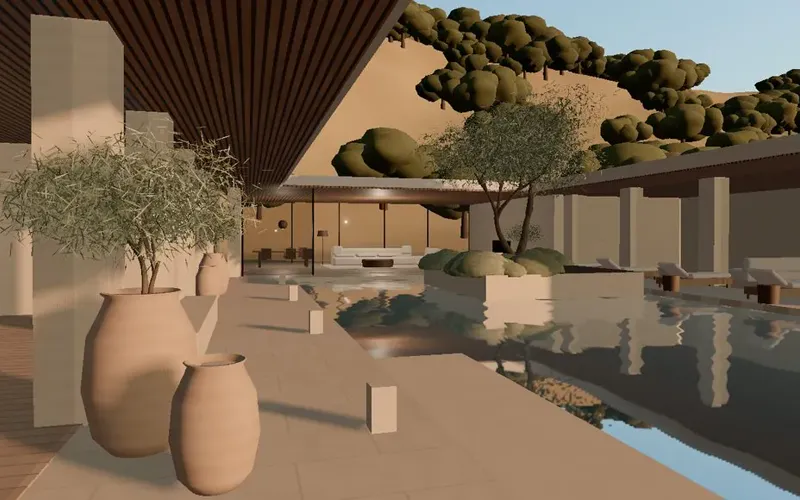 Architectural estateA house and its land, rendered live. Editors choose the view (from an architectural model on a table to eye level in each room), the hour and the interior fabric.
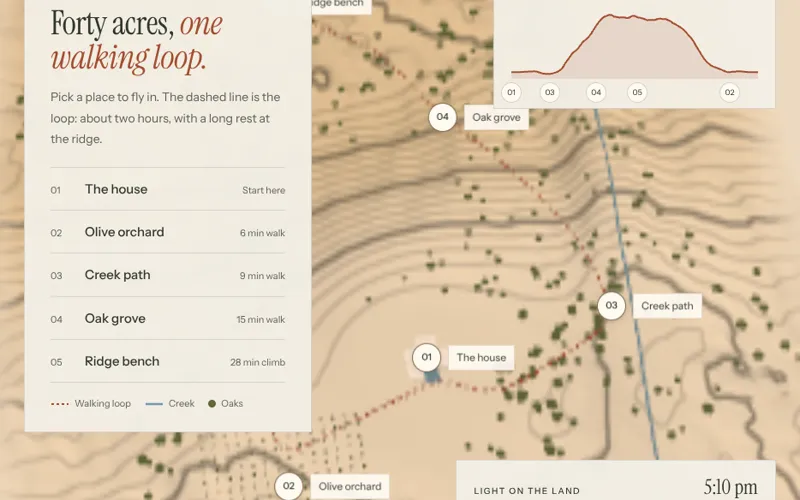 Place mapA map of places to explore and fly in to. The map source is a setting: the live 3D land, any illustrated artwork, or a real map from OpenStreetMap (no key), styled in the brand’s colours. Each place carries a photo, a gallery, a film, details and a link; choosing one flies the camera down to it and opens it full screen. Brand colours and type, a walk profile, and a light dial that moves the time of day.
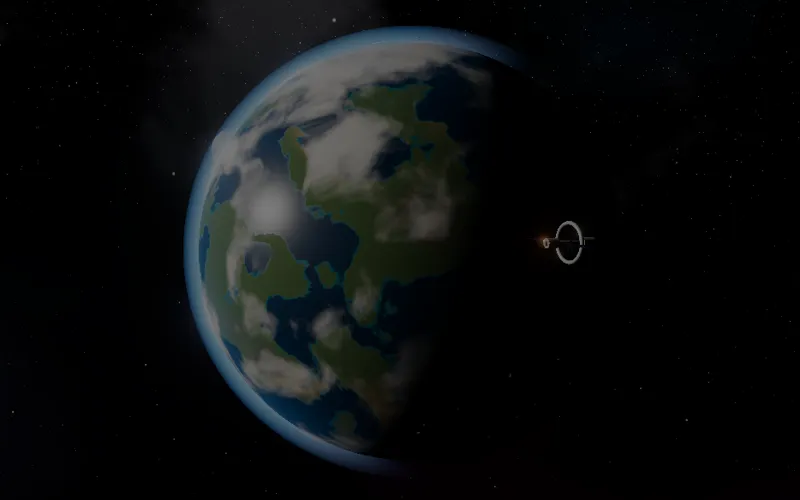 CelestialAnything in space, live: a rocky world (ten looks and any seed, with an optional moon and station), a gas giant (ringed, banded, ice or hot), a nebula, a pulsar or a black hole that bends light, each with its own looks. It turns on its own, can be dragged to look around, orbits as the page scrolls, and takes copy beside it like any hero.
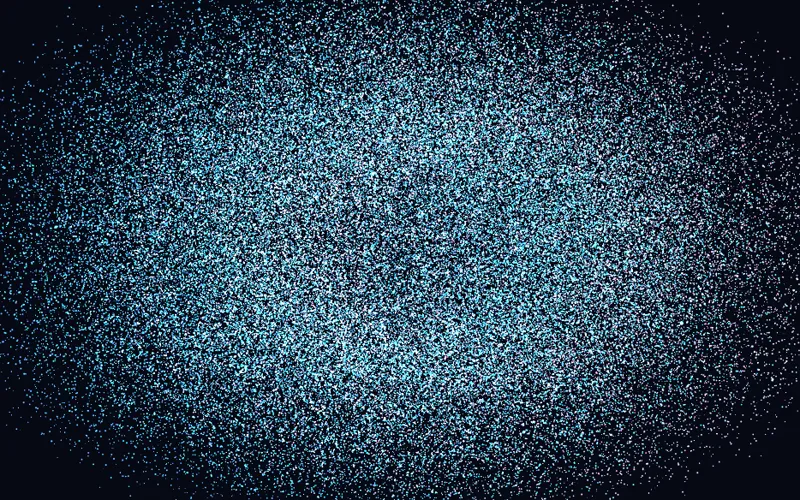 Particle formHundreds of thousands of particles, simulated on the GPU, that hold a word, a logo, an image or a 3D shape and morph from one to the next. They drift in a flowing field, scatter, gather or swirl around the cursor, and can morph as the page scrolls. Brand colours tint them; an image keeps its own colours.
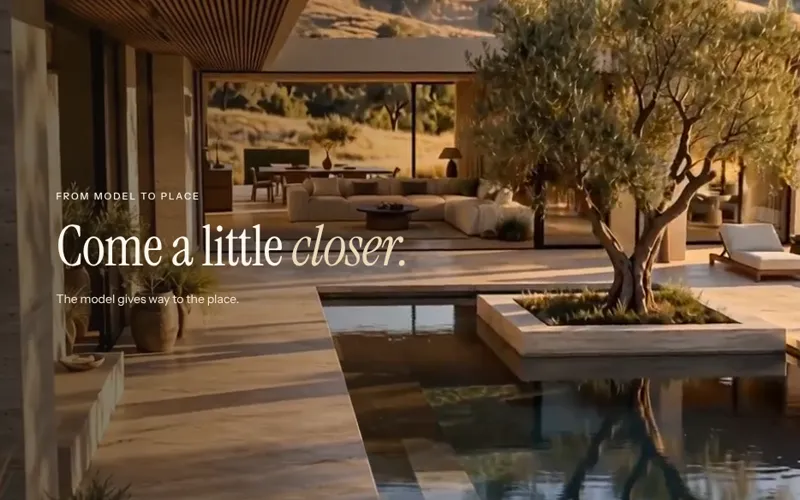 FilmA film behind copy, in two modes. On a loop: a muted film that plays while on screen, with a pause button, and optionally a Watch button that opens a full film with sound, chapters and captions full screen. As you scroll: the section pins and the scroll drives the film, chapter copy changes along the way, and at the end it hands off to a loop, so a film can become the page's backdrop. No WebGL.
 BackdropThe background for any section. Eight styles share one set of options: how it moves (never, on its own, only when touched, or both, and with scroll), its colours and transparency over an image, readability behind the text, and layout.
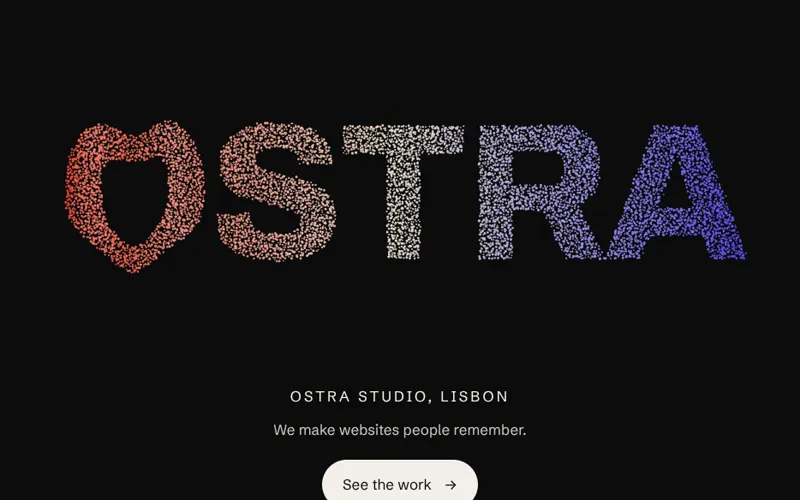 Display typeBig type that moves. Four styles share one set of options: particles that scatter from the cursor, letters poured into a fluid, a word you fly through into a scene, and variable letters that swell and breathe. Each can stay still, move on its own, react only when touched, or follow the scroll.
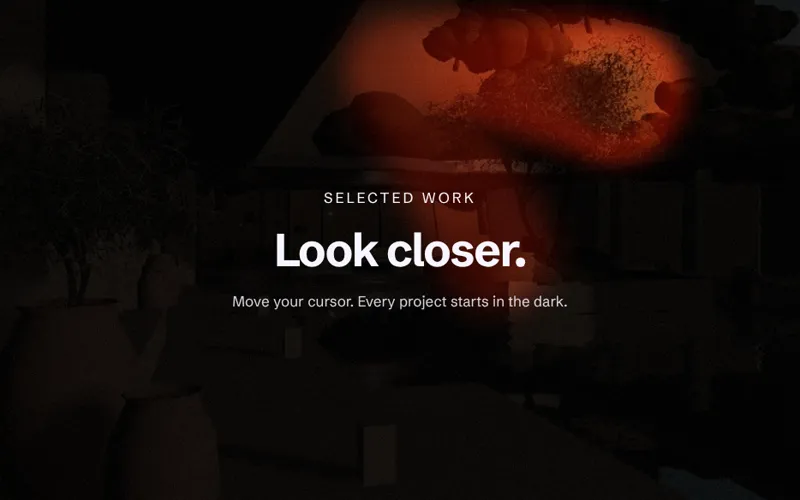 MediaAn image that does something. Five styles share one set of options: a still photo (no WebGL), a living photo that flows under the cursor, a spotlight that reveals it in the dark, depth, which gives a flat photo 2.5D parallax, and layers, a diorama of cut-outs and hills at real depths with haze between them. Use it as a full section with copy over it, or as a tile with a caption.
 Card setA row of pricing, ticket or membership cards in a flat, glass or holographic finish. They can sit still, shimmer and breathe on their own, tilt and catch the light under the cursor, or lean and shimmer as the row scrolls past.
- Page contentHeadlines, copy and buttons render as HTML on the server. They read fine without JavaScript, and search engines see them.
- 3D canvasLoads in the browser only when it nears the screen. It pauses when scrolled away or in a background tab, and falls back to text without WebGL.
- FieldsPlain values an editor sets, such as a finish, a camera angle or the time of day. They are saved with the page and passed to the canvas as props.
The five sites
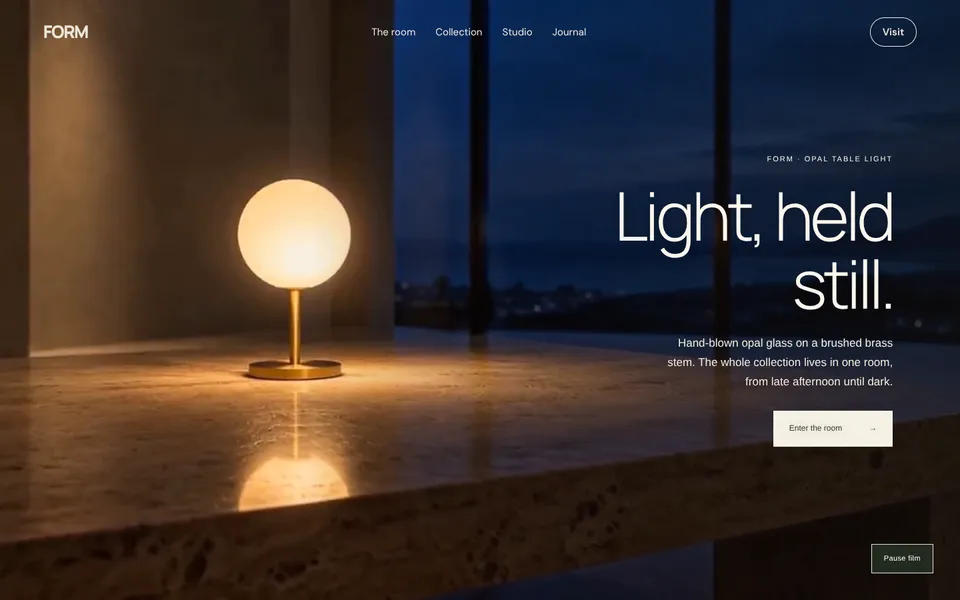 FORMA lighting and furniture collection: an opal lamp at blue hour, then one room from afternoon until dark.
 SONDERHeadphones, finishes, a scroll-directed film of their parts and a film with sound.
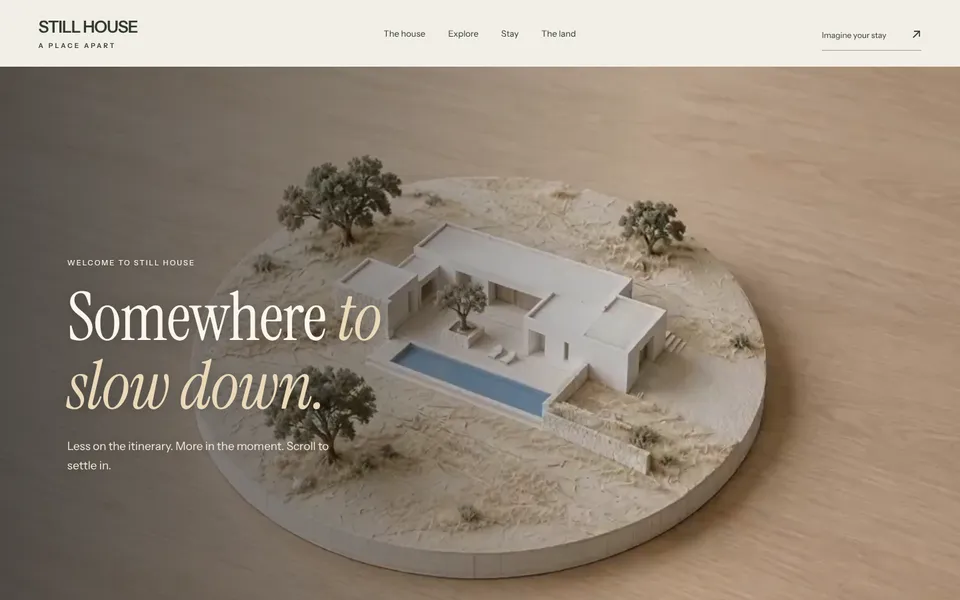 STILL HOUSEA retreat that turns from an architectural model into the real courtyard as you scroll, sunrise to starlight.
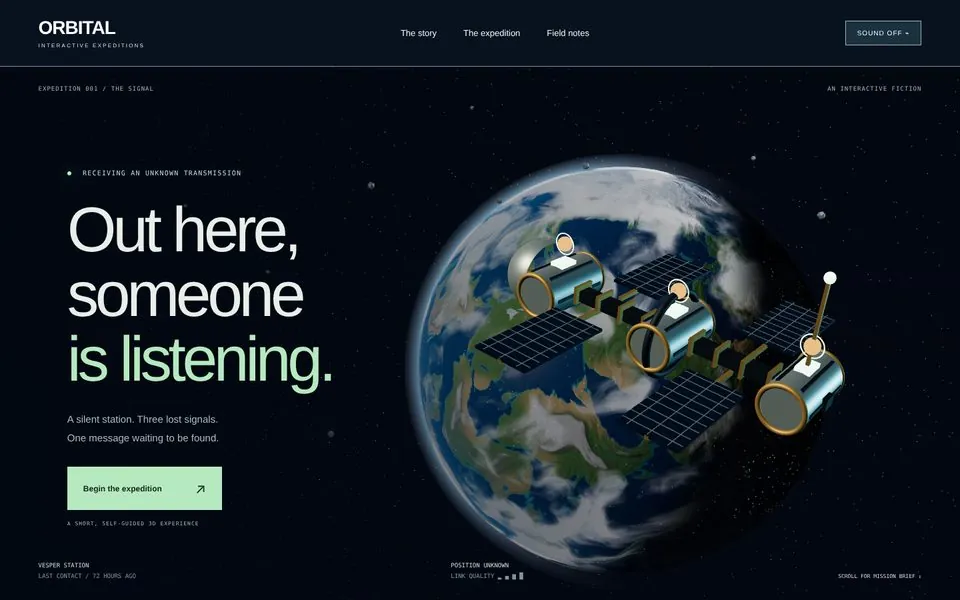 ORBITALA voyage you play by scrolling: a ringed giant, a nebula, a pulsar and a black hole.
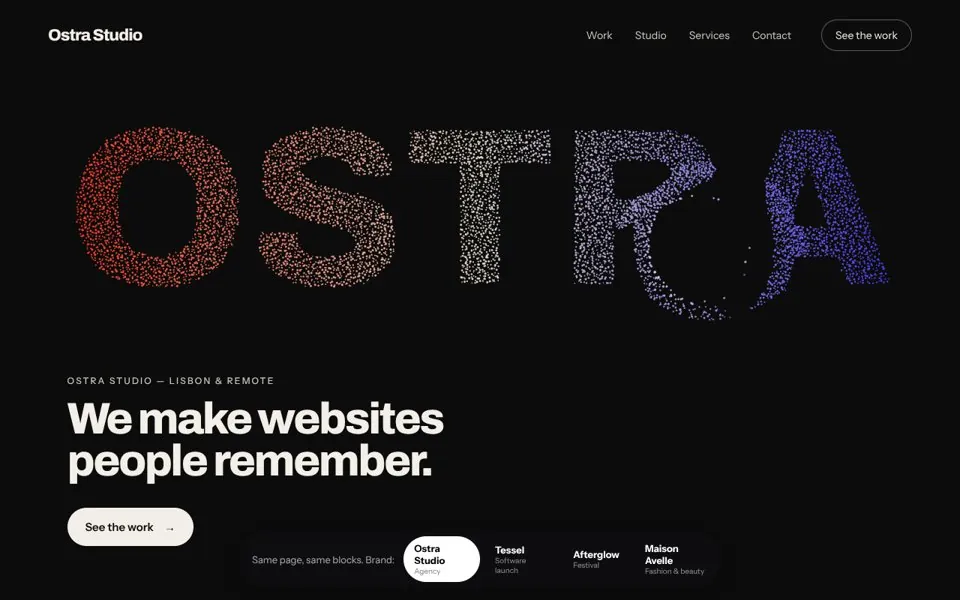 SURFACESOne page, four brands: interactive heroes, cards and sections built only from blocks.
What every block does for you
- Loads late
- 3D code and films download only when a block is close to the screen, so the first view stays fast.
- Rests when unseen
- Scenes stop rendering and films pause when a block scrolls away or the tab is hidden, which saves battery on laptops and phones.
- Respects reduced motion
- Ambient spin, camera drift and looping films stop for visitors who ask for less motion. Every control still works.
- Cleans up
- Geometry, materials, render targets and films are released when a block leaves the page, so editors can add and remove blocks freely.
- Degrades to text
- Without WebGL, a 3D block shows its poster or a short note and the rest of the page carries on. Stories and forms never depend on the canvas.
- Stays static
- Nothing reads cookies or request headers, so every page can be prerendered and cached like any static page.